

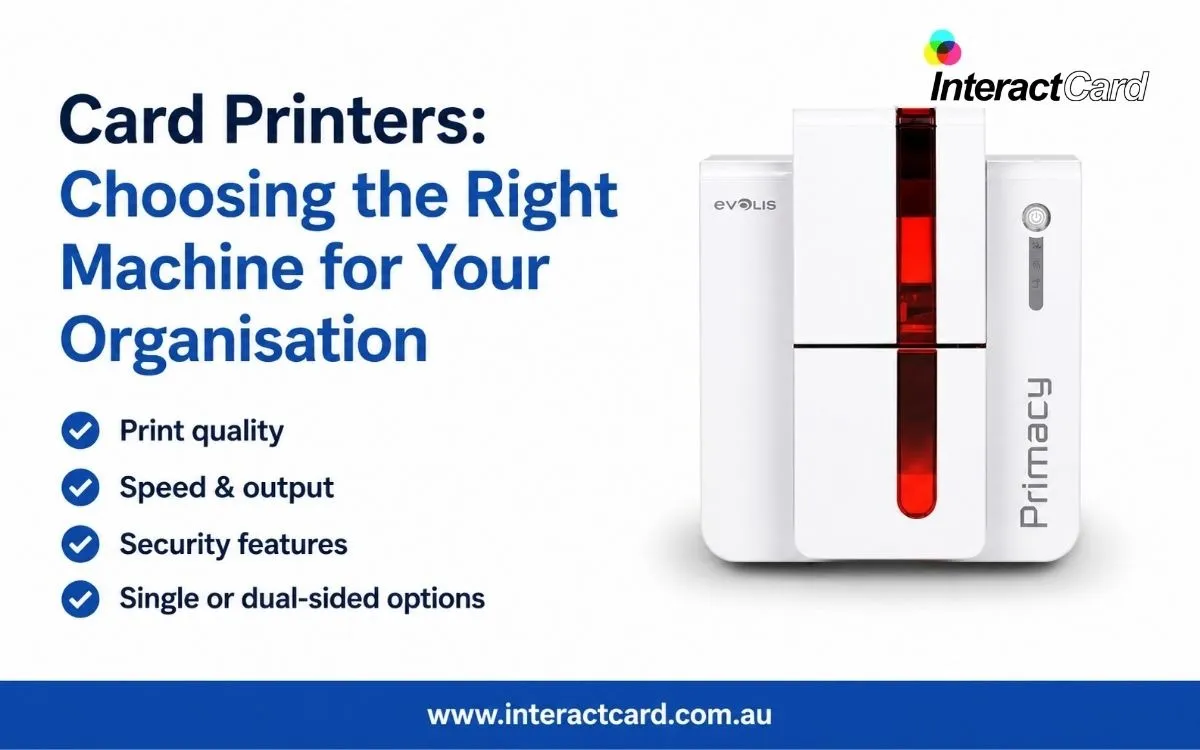
Producing ID cards, membership cards, staff credentials, visitor passes, loyalty cards, or access cards in-house gives an organisation more control over quality, timing, and cost. Instead of waiting for an external supplier to process a small order or replacement request, your team can create cards when they are needed. For businesses, schools, healthcare providers, clubs, councils, and security teams, investing in professional card printers can make everyday identification and card issuing faster, more flexible, and easier to manage.
The right printing setup is not simply about buying the most expensive model. It is about understanding what your organisation needs now, what it may need later, and which features will genuinely support daily operations. A printer that works well for a small office issuing a few staff cards each month may not be suitable for a university, large workplace, warehouse, event company, or membership organisation producing hundreds of cards regularly. Choosing carefully helps you avoid overspending, under-buying, or ending up with a system that does not match your workflow.
Understanding Your Card Printing Needs
Before comparing models, start by reviewing your actual card production needs. This helps you focus on practical requirements rather than being distracted by features you may never use. Think about the type of cards you print, how often they are required, who will operate the machine, and what level of design, durability, or security is expected.
A few useful questions include:
- How many cards will you print each week or month?
- Do you need single-sided or double-sided printing?
- Will the cards include photos, barcodes, QR codes, or serial numbers?
- Do you need magnetic stripe, chip, or contactless encoding?
- Will cards be used daily and need extra durability?
- Do you need replacement cards issued immediately?
- Will more than one department use the printer?
Answering these questions gives you a clearer picture of the best type of printer for your organisation. It also helps your supplier recommend a solution based on real use, not just general product specifications.
Matching Printer Features to Daily Use
A good card printing system should support the way your organisation actually works. Some printers are designed for simple identification cards, while others can handle more advanced card production with encoding, lamination, or higher-volume output. If you only need basic employee ID cards, a straightforward printer may be enough. If your cards are used for access control, attendance systems, secure entry, or membership tracking, you may need additional functionality.
This is where choosing the right card printer machine becomes important. The machine should be matched to your card design, security requirements, expected print volume, and staff capability. A well-matched machine saves time because users are not constantly adjusting settings, troubleshooting ribbon issues, or struggling with a printer that is too slow for demand.
Print Quality and Professional Presentation
Cards often represent the first visible sign of an organisation’s professionalism. A staff ID badge, student card, contractor pass, or membership card may be seen by customers, visitors, security teams, and other employees every day. Poor print quality, faded images, unclear text, or uneven colours can make cards look unprofessional and may reduce confidence in your identification system.
A quality card printer produces clear photos, sharp text, accurate logos, and durable finishes. This is especially important when cards include important details such as names, job titles, departments, expiry dates, barcodes, or access information. Professional card presentation supports your brand and makes it easier for security staff and colleagues to identify people quickly.
Durability and Long-Term Value
Card durability matters because most cards are handled frequently. They may be clipped to lanyards, scanned at doors, placed in wallets, carried by students, or used repeatedly at reception desks. If a card fades, scratches, or becomes unreadable too quickly, your organisation will spend more time and money replacing it.
Depending on your needs, durability can be improved through good card stock, correct ribbon selection, protective overlays, or lamination. These options may add to the upfront cost but can reduce replacement costs and improve the card’s lifespan. For high-use cards, durability should be treated as part of the total value, not as an optional extra.
Consumables and Running Costs
Many organisations compare only the purchase price of the printer, but running costs are just as important. Card printers use ribbons, blank cards, cleaning kits, and sometimes overlays or laminates. The cost and availability of these consumables will affect your long-term budget.
A cheaper printer may not always be the lowest-cost solution if consumables are expensive, difficult to source, or unsuitable for your card volume. A reliable supplier should explain the approximate cost per card, the expected ribbon yield, and the cleaning requirements. This helps you plan accurately and avoid unexpected costs after purchase.
Software, Design, and Workflow
A printer is only one part of the card production process. You also need a practical way to design cards, manage data, capture or upload photos, and print consistently. Good software makes this process easier for staff and reduces errors. It allows you to create templates, maintain consistent branding, and update details when employees, members, or visitors change.
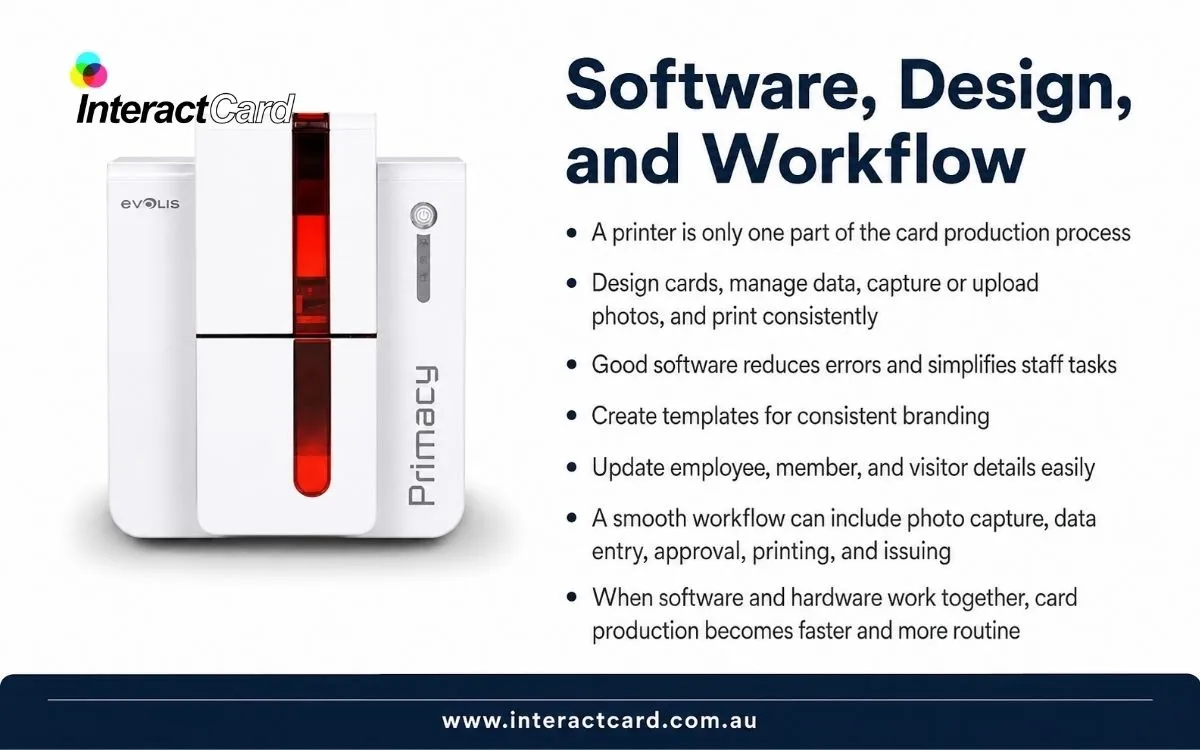
For organisations that issue cards regularly, workflow is especially important. A smooth workflow may include photo capture, data entry, approval, printing, and issuing in one simple process. When the software and hardware work together properly, card production becomes a routine task instead of a time-consuming project.
Supplier Support and Reliability
Support is another major factor when choosing a printer. Even good equipment needs setup, maintenance, cleaning, and occasional troubleshooting. Buying from a supplier that understands card printing gives your organisation access to practical advice before and after purchase. This is valuable when choosing consumables, setting up templates, resolving print quality issues, or planning upgrades.
Reliable support also reduces downtime. If your printer is used for staff onboarding, visitor management, event access, or security credentials, delays can create operational problems. A supplier who can provide guidance, replacement supplies, and servicing helps keep your system running properly.
When In-House Printing Makes Sense
In-house card printing is especially useful when an organisation needs control, speed, or flexibility. It may be the right choice when you frequently issue new cards, replace lost cards, update designs, or need cards at short notice. It can also be valuable when privacy matters, because sensitive employee or member information stays within your own process rather than being sent externally.
In-house printing is not only about convenience. It can also improve security, reduce delays, support brand consistency, and make the organisation less dependent on external production schedules. For many teams, the ability to print one card immediately is just as valuable as producing large batches.
Why Choose a Professional Card Printing Solution
A professional card printing solution helps your organisation move from improvised identification to a consistent, reliable system. Instead of using paper badges, outsourced card orders, or inconsistent manual processes, you can produce cards that look professional and perform well.
Before making a final decision, consider the complete solution: printer model, ribbon type, card material, software, support, running cost, and future needs. A quality plastic card printer should not only meet today’s requirements but also give your organisation room to grow as card volume or security needs increase.
Final Thoughts
Choosing the right card printer is a practical business decision. The best result comes from understanding your requirements, selecting features that match your workflow, considering long-term running costs, and working with a supplier who can support you after purchase. When chosen well, a card printer becomes more than an office machine. It becomes a reliable tool for identification, security, branding, and everyday operational efficiency.